

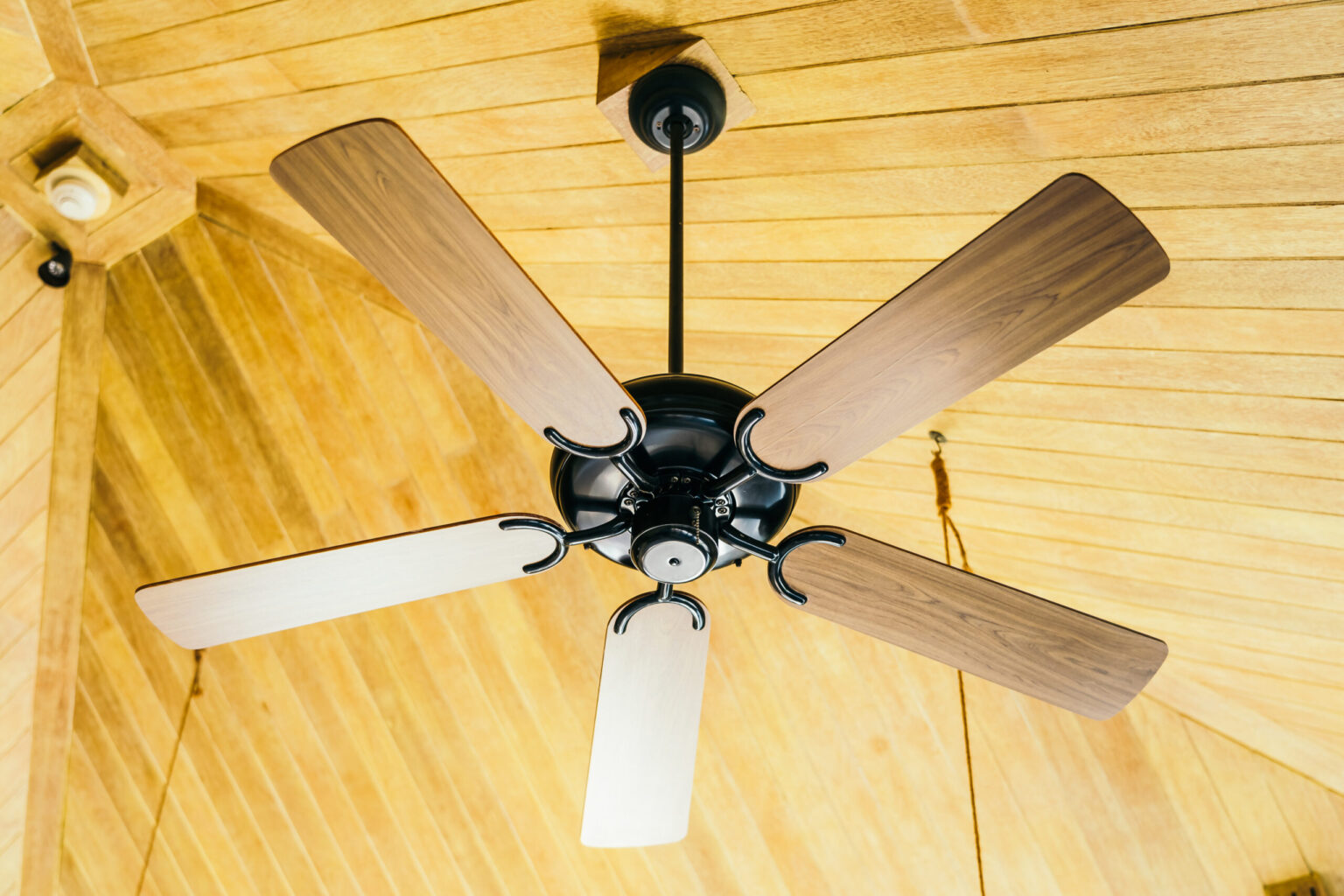
Has your ceiling fan remote stopped responding? Perhaps you’ve just installed a new one, or your old remote needs a reset after a power outage. Losing control of your fan and light can be frustrating, but in most cases, it’s a simple fix you can handle yourself. Programming a ceiling light fan remote is a standard DIY task that requires no special tools—just a few minutes and the right steps. This comprehensive guide will walk you through the entire process, from understanding the system to troubleshooting common issues, so you can restore convenient, wireless control with confidence.
What You’ll Need Before You Start
Gathering a few items before you begin will make the process smoother and safer. You likely have most of these on hand:
- The ceiling light fan remote itself (check the batteries!).
- A secure stepladder to safely access the fan canopy.
- A small flat-head or Phillips screwdriver to open the canopy if needed.
- The user manual for your specific fan or remote model (highly recommended for model-specific codes).
Crucial Safety Note: Always turn off the power to the fan at the circuit breaker before attempting any work. This ensures your safety while handling the wiring inside the canopy.
Understanding Your Ceiling Light Fan Remote System
Your wireless system has two key parts working in tandem:
- The Remote (Transmitter): This is the handheld device you use. It sends radio frequency (RF) signals.
- The Receiver (Module): This small box is installed inside the fan’s canopy, wired between the fan’s internal wiring and the power from your house. It receives the remote’s signals and executes the commands (light on/off, fan speed, etc.).
Most systems are either brand-specific kits (designed for your fan model) or universal kits (designed to work with many standard fans). The programming steps are similar for both.
General Step-by-Step Programming Instructions
Follow these universal steps to pair or re-pair your remote and receiver. If these don’t work, consult your manual for model-specific instructions.
- Power Down Completely: Turn off the wall switch for the fan, then go to your circuit breaker and turn off the power to the fan’s circuit. Verify the power is off by trying the wall switch and pulling the fan’s pull chains.
- Locate the Receiver: From your ladder, carefully remove the fan canopy (the dome covering where the fan meets the ceiling). You will see the receiver—a small plastic box with wire connectors and a button labeled “Learn,” “Set,” or “Pair.”
- Identify the Programming Button on the Remote: On your ceiling light fan remote, look for a small button often found inside the battery compartment or on the back, labeled “Prog,” “Set,” or similar.
- Initiate the Pairing Sequence:
- Restore power at the circuit breaker and the wall switch. The fan/light may turn on.
- On the receiver inside the canopy, press and release the “Learn” button. You will typically see a small LED light blink once or hear an audible beep.
- Within 30 seconds, point your remote at the fan and press and hold the “Prog” (or similar) button for 3-5 seconds. The fan’s lights might blink, or the fan may jog (a slight turn) to confirm successful pairing.
- Test All Functions: Press the light button on the remote to turn it on and off. Test each fan speed (Low, Med, High) and the reverse direction button (if applicable). If all functions work, carefully re-secure the canopy.
How to Reset a Ceiling Light Fan Remote
If programming fails, or if the remote is behaving erratically, a reset is the best first step. This clears any previous codes and gives you a clean slate.
- Common Reset Method: With the fan power ON, hold down the “OFF” button on the remote for about 10-15 seconds. You may see the fan light blink in confirmation.
- Alternative Method: Turn off the fan power at the breaker for 30 seconds to 1 minute, then turn it back on. This can sometimes reset the receiver.
- Dip Switch Method: On older systems, the remote and receiver have matching sets of tiny dip switches. Ensure all switch positions (usually 3-5 switches) are identical on both units.
Troubleshooting Common Ceiling Light Fan Remote Issues
- Remote Does Nothing:
- Solution: First, replace the batteries. Ensure you are within range (typically 15-20 feet) and that no large obstructions are between you and the fan’s receiver.
- Remote Controls Fan But Not Light (or Vice Versa):
- Solution: You may need to pair the individual functions separately. Repeat the programming steps, but after pressing the receiver’s “Learn” button, press the specific button on the remote (e.g., the Light button) you wish to program. Also, check that the light bulb is not burnt out and is of the correct type (non-dimmable LEDs can sometimes cause issues).
- Interference or “Cross-Talk” with Another Device:
- Solution: Your remote’s frequency might be conflicting with a nearby garage door opener, another fan remote, or wireless device. Perform a full reset on both the remote and receiver, then reprogram them in a sequence where no other remotes are being pressed nearby.
When to Consider a Universal Ceiling Light Fan Remote
If your original remote is lost, broken, or simply unreliable, a universal replacement kit is an affordable and effective solution. Brands like Hampton Bay, Hunter, and others offer kits at most home improvement stores. These come with a new ceiling light fan remote and a receiver. Installation involves wiring the new receiver into the fan canopy (with the power OFF) and following the included programming steps, which are very similar to those outlined above.
Conclusion
Regaining control of your fan and light doesn’t require an electrician’s call. By understanding the simple two-part system and following the logical steps to program your ceiling light fan remote, you can solve most issues in under 15 minutes. Remember the golden rules: safety first by cutting power, start with a reset, and keep your user manual handy for brand-specific details. With a fresh set of batteries and a little patience, you’ll be back to enjoying the perfect breeze and light at the touch of a button.
Frequently Asked Questions (FAQ)
Q: Can I program multiple remotes to control one fan?
A: Yes, most systems allow this. Simply repeat the standard programming steps with each additional remote.
Q: Why did my ceiling light fan remote suddenly stop working?
A: The most common causes are dead batteries, a power surge that “un-paired” the system, or interference from a new wireless device in your home. Try resetting and reprogramming.
Q: Is the programming process different for a remote with a light dimmer?
A: The basic pairing process is identical. However, after pairing, you may need to press and hold the light button to activate the dimming function, following your specific manual’s instructions for dimming calibration.