

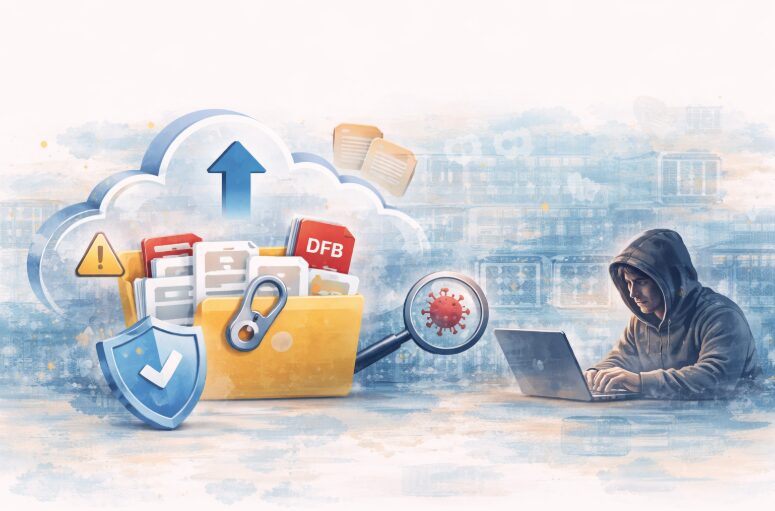
File uploads are everywhere: profile photos, resumes, invoices, even large enterprise documents. They feel like a simple feature, but they quietly introduce one of the biggest security risks in modern applications.
Think about it: someone uploads what looks like a normal image or PDF. There’s no obvious red flag. But underneath, that file might be carrying hidden scripts, malware, or even a disguised executable. If your system doesn’t handle uploads carefully, that single file can open the door to attackers.
The issue is that many teams don’t see it this way. File uploads are often treated as just another feature to get working, not something that needs serious security attention.
In this article, we’ll walk through the most common file upload risks, why they’re easy to miss, and what you can do to make your upload system secure in real-world production environments.
Why File Upload Security Is Often Overlooked
File uploads seem simple on the surface, which is exactly why their risks are easy to miss. Many teams don’t realize how dangerous they can be until something goes wrong.
The “It’s Just a File” Mindset
At first glance, an uploaded file feels no different from any other user input. It’s just an image, a document, or a PDF; nothing to worry about. But that assumption can be misleading.
Files are far more complex than they appear. They can carry hidden scripts, altered metadata, or embedded payloads designed to exploit your system. Attackers know this, and they often disguise harmful files so they look completely safe.
Prioritizing Functionality Over Security
In most projects, the focus is on getting uploads to work smoothly and quickly. Teams usually care about:
- Successful uploads without errors
- Fast performance
- A seamless user experience
Security, on the other hand, tends to be pushed aside. It often isn’t addressed until after the system is live and by then, the risks are already in place.
7 Security Risks in File Upload Systems
File uploads may look harmless. But they open the door to several serious security risks if not handled carefully. Below are some of the most common vulnerabilities developers overlook, and why they matter more than you might think.
1. Malicious File Uploads (Executable Payloads)
Attackers can upload files that contain harmful code while making them look completely safe at first glance.
Examples:
- Scripts can be hidden inside image files, allowing malicious code to execute when the file is processed or rendered by your system.
- Executable files can be renamed to appear as PDFs or JPGs, tricking validation systems that rely only on file names or extensions.
Impact:
- Remote code execution can give attackers direct control over parts of your system without your knowledge.
- Full system compromise can occur if the malicious file spreads or interacts with other vulnerable components.
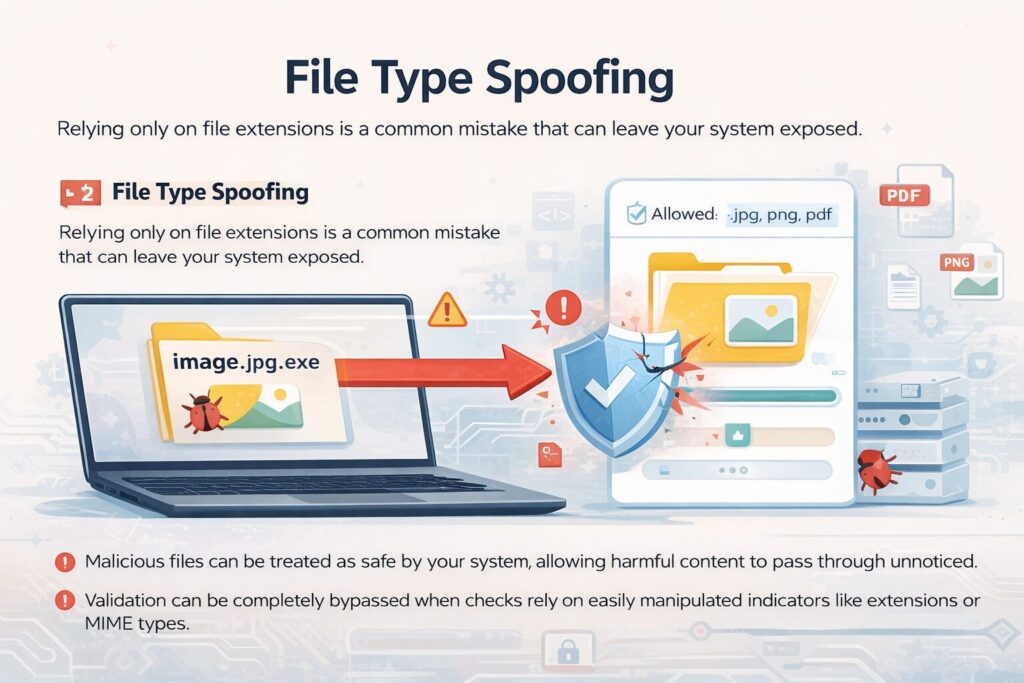
2. File Type Spoofing
Relying only on file extensions is a common mistake that can leave your system exposed.
A file named image.jpg.exe may look harmless at first glance. But it can easily bypass weak validation systems that only check the filename. On top of that, attackers can manipulate MIME types to make malicious files appear legitimate during upload.
Impact:
- Malicious files can be treated as safe by your system. This allows harmful content to pass through unnoticed.
- Validation can be completely bypassed when checks rely on easily manipulated indicators like extensions or MIME types.
3. Lack of Proper File Validation
One of the biggest gaps in file upload security comes down to incomplete validation. Many systems apply only basic checks. This makes it easier for harmful files to slip through unnoticed.
Common mistakes include:
- Validating files only on the frontend. This can be easily bypassed since attackers can interact directly with your backend.
- Skipping proper MIME type or file-type checks. It allows files to appear legitimate even when they’re not.
- Failing to inspect the actual file content. This means malicious payloads hidden inside files go undetected.
Impact:
- Harmful files can end up stored in your system. They create potential entry points for attacks later on.
- The overall attack surface increases. It makes your application more vulnerable to different types of exploits.
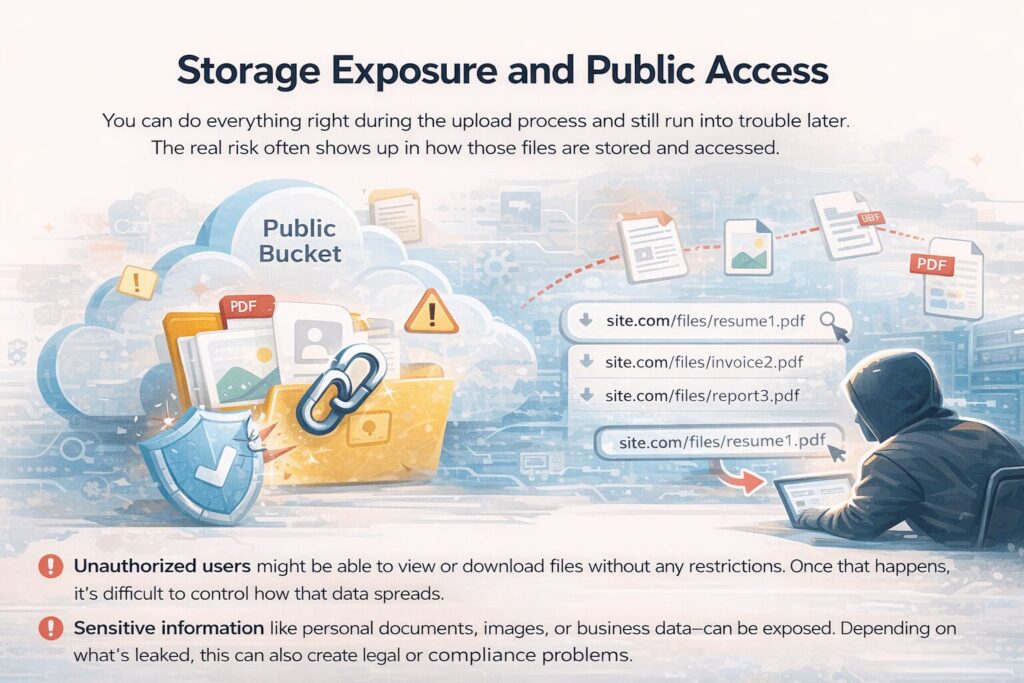
4. Storage Exposure and Public Access
You can do everything right during the upload process and still run into trouble later. The real risk often shows up in how those files are stored and accessed.
Examples:
- Sometimes files end up in public cloud storage without anyone realizing it. A small permission mistake or default setting can make them accessible to anyone who has the link.
- In other cases, file URLs follow a predictable pattern. This makes it easier for someone to guess paths and access files they were never meant to see.
Impact:
- Unauthorized users might be able to view or download files without any restrictions. Once that happens, it’s difficult to control how that data spreads.
- Sensitive information like personal documents, images, or business data can be exposed. Depending on what’s leaked, this can also create legal or compliance problems.
5. No Virus or Malware Scanning
Skipping malware scanning might seem harmless at first, especially if everything appears to be working fine. But without that extra layer of protection, you could be allowing dangerous files into your system without even realizing it.
Without scanning:
- Infected files can be stored and delivered to users. It turns your platform into a distribution point for harmful content.
- Malware can quietly spread through your system. They affect users and potentially other connected services.
Impact:
- Users can become compromised after interacting with infected files. They put their data and devices at risk.
- Your platform’s reputation can take a serious hit, especially if users begin to associate it with security issues.
6. Overwriting Existing Files
File handling might seem like a small detail. But it can cause serious issues if not managed carefully. When filenames aren’t properly secured, attackers can take advantage of this and replace files you didn’t intend to change.
Impact:
- Data corruption can occur when important files are overwritten. It leads to loss of critical information.
- Service disruption can happen if essential files are replaced. This affects how your application functions or even causes downtime.
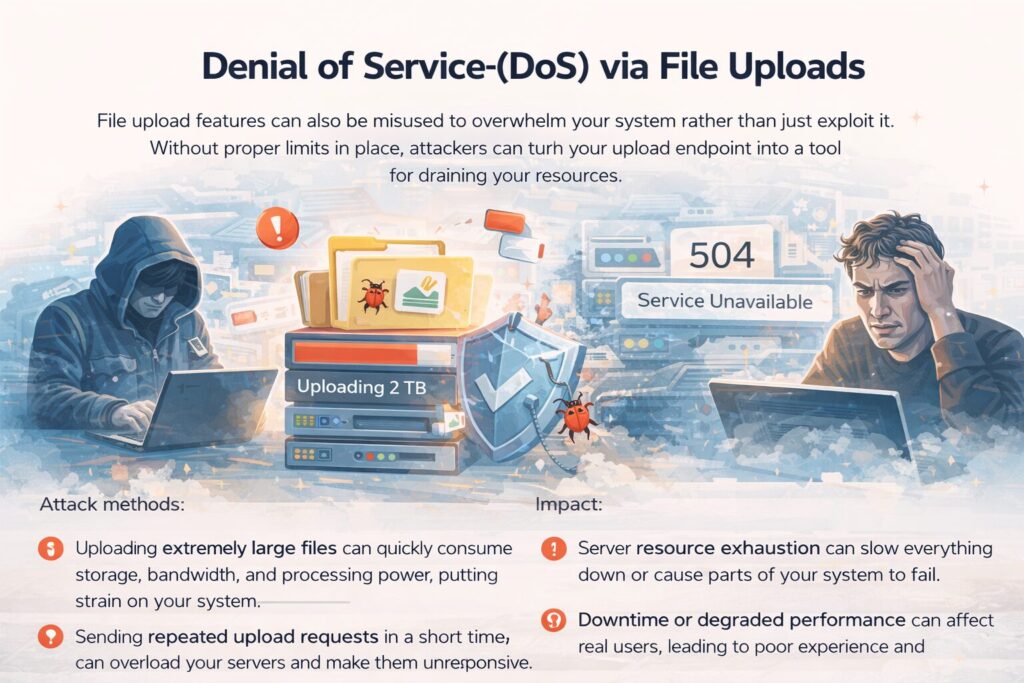
7. Denial of Service (DoS) via File Uploads
File upload features can also be misused to overwhelm your system rather than just exploit it. Without proper limits in place, attackers can turn your upload endpoint into a tool for draining your resources.
Attack methods:
- Uploading extremely large files can quickly consume storage, bandwidth, and processing power. It puts strain on your system.
- Sending repeated upload requests in a short time can overload your servers and make them unresponsive.
Impact:
- Server resource exhaustion can slow everything down or cause parts of your system to fail.
- Downtime or degraded performance can affect real users. It leads to poor experience and potential loss of trust.
Additional Risks Developers Often Miss
Some of the most dangerous issues aren’t the obvious ones. They’re the small details that quietly slip through the cracks. These overlooked risks can still cause serious problems if left unaddressed.
Metadata Exploitation
Files often carry hidden metadata that most systems don’t check closely.
- Scripts can be embedded within metadata, allowing malicious code to exist without being immediately visible.
- Sensitive information can be unintentionally exposed through metadata, revealing details users didn’t mean to share.
- Malicious instructions can be hidden inside metadata fields, potentially triggering unexpected behavior during processing.
Path Traversal Attacks
Weak file handling can give attackers more access than intended.
- Attackers can access restricted directories by manipulating file paths, reaching areas of your system that should remain protected.
- Critical system files can be overwritten if path validation isn’t properly enforced, leading to serious security and stability issues.
Insecure File Processing Pipelines
The risks don’t stop after a file is uploaded.
- Processes like image resizing or file conversion can introduce vulnerabilities if they handle untrusted files without proper isolation or validation.
How to Secure File Upload Systems
Securing file uploads doesn’t require complicated systems. It’s about getting the basics right and applying them consistently. A few smart practices can make a huge difference in reducing risk.
1. Validate Files on Multiple Levels
- Check file extensions to quickly filter out obviously invalid formats.
- Verify MIME types to confirm the file matches its claimed format.
- Inspect file signatures (magic numbers) to detect disguised or tampered files.
2. Use Secure File Naming
- Generate unique filenames to avoid conflicts and guessing.
- Avoid user-provided names to prevent manipulation or overwriting.
- Prevent overwriting by ensuring every upload is stored separately.
3. Restrict File Size and Type
- Define allowed file types to limit what users can upload.
- Enforce strict size limits to prevent resource abuse.
- Reject unexpected formats that don’t meet your criteria.
4. Store Files Securely
- Use private storage by default to keep files protected.
- Generate signed URLs to control who can access files.
- Avoid predictable file paths to reduce the risk of guessing attacks.
5. Implement Malware Scanning
- Scan files before storage or processing to catch threats early.
- Quarantine suspicious uploads to prevent them from spreading.
6. Isolate File Processing
- Use sandboxed environments to safely handle uploaded files.
- Never execute uploaded content directly within your system.
7. Rate Limit Upload Requests
- Prevent abuse by limiting how often uploads can occur.
- Protect system resources from being overwhelmed by excessive requests.
How Managed Upload APIs Improve Security
Instead of building everything from scratch, many teams adopt managed upload solutions.
Platforms like Filestack:
- Check uploaded files for you, so only the types you expect are allowed through.
- Scan your files for malware before they’re stored or used anywhere.
- Set up storage in a way that keeps files private unless you explicitly allow access.
- Do any processing like resizing or transforming files safely without exposing your system.
- Build the infrastructure to handle real traffic, so you don’t have to worry about scaling issues later.
This significantly reduces implementation complexity while improving security reliability.
Conclusion
File uploads are not just another feature. They’re a major security entry point.
Ignoring upload security can lead to:
- Data breaches
- System compromise
- Loss of user trust
Building a secure upload system requires strict validation, controlled storage, malware detection, and safe processing.
For many teams, implementing all of this from scratch is complex and error-prone. That’s why modern applications increasingly rely on managed solutions like Filestack to ensure file uploads are secure by design.